How to Connect an OpenAI-Compatible API to Codex
Configure a custom model provider in Codex, set the correct Base URL and Responses API, then run a safe test and troubleshoot common errors.
Contents
How to Connect an OpenAI-Compatible API to Codex
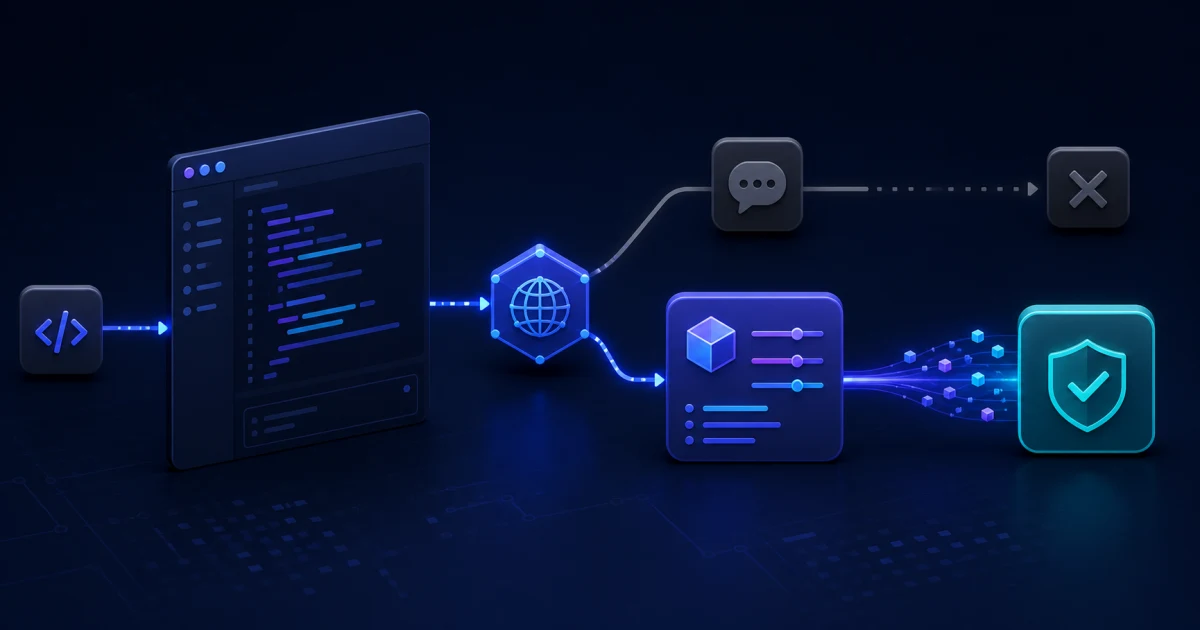
To connect a compatible API to Codex, create a named user profile in the Codex configuration directory, then specify the provider Base URL, the environment variable that holds the API key, and the responses protocol. Support for /v1/chat/completions alone is not enough: current Codex custom providers use the Responses API.
For BetterToken, the working values are base_url = "https://www.bettertoken.ai/v1", env_key = "BETTERTOKEN_API_KEY", and wire_api = "responses". Before you start, open the current BetterToken Codex guide, create your own API key, and copy the current full Model ID from Setup, model plaza, or the current guide. Group names and mappings can change, so do not carry them over from old examples. This is a separate API workflow from ChatGPT subscription features.
Prerequisites
- Node.js and npm, which are required to install the official Codex CLI.
- Your own BetterToken account, your own API key, and the current full Model ID from Setup, model plaza, or the current guide.
- Enough balance or any currently available trial allowance for one short request. Trial eligibility, duration, supported models, and other rules depend on the current Workspace or offer.
- A macOS/Linux terminal or Windows PowerShell. Commands for both are included below.
- For another provider, confirmation that it supports the Responses API, SSE streaming, and the tool calls you need.
Check compatibility before you configure Codex
| Codex requirement | What to confirm with the provider | Why it matters |
|---|---|---|
| Responses API | Whether /v1/responses and streaming are supported | Chat Completions alone cannot replace Responses |
| Bearer authentication | Whether the key can be supplied through an environment variable | A secret should not be stored in a public TOML file |
| Model ID | Which exact ID is available with your key and current mapping | A display name can differ from the API ID |
| SSE streaming | How long responses and interrupted streams are handled | Codex consumes streamed responses |
| Tool calls | Which Responses fields and tools are supported | “OpenAI-compatible” does not guarantee complete OpenAI API feature parity |
If a provider shows only a Chat Completions example and says nothing about Responses, ask for confirmation or run a minimal test first. Do not copy a configuration from a generic chat client into Codex without checking the protocol.
Step 1. Install or update Codex CLI
npm install -g @openai/codex
codex --version
Check current fields in the official Codex Configuration Reference. As of August 14, 2026, model_provider selects an entry from model_providers, env_key names the environment variable containing the provider key, and responses is the only supported wire_api value. The current reference stores named profiles next to the main config.toml and selects them with --profile profile-name.
Step 2. Create a separate profile file
The current OpenAI Configuration Reference stores the named profile at $CODEX_HOME/bt.config.toml. By default, CODEX_HOME usually resolves to ~/.codex on macOS/Linux and %USERPROFILE%\.codex on Windows, but a custom value takes precedence and changes the actual path.
Check the directory on macOS/Linux without changing the variable:
printf '%s\n' "${CODEX_HOME:-$HOME/.codex}"In PowerShell:
if ($env:CODEX_HOME) { $env:CODEX_HOME } else { Join-Path $env:USERPROFILE ".codex" }Create bt.config.toml in exactly the directory printed by that command:
model = "YOUR_MODEL_ID"
model_provider = "bettertoken"

[model_providers.bettertoken]
name = "BetterToken"
base_url = "https://www.bettertoken.ai/v1"
env_key = "BETTERTOKEN_API_KEY"
wire_api = "responses"
requires_openai_auth = false
request_max_retries = 4
stream_max_retries = 8
stream_idle_timeout_ms = 300000
supports_websockets = false
The filename $CODEX_HOME/bt.config.toml corresponds to the --profile bt command. This profile does not replace the main $CODEX_HOME/config.toml, so the official provider remains available. Replace YOUR_MODEL_ID with the current full API ID from Setup, model plaza, or the current guide. Do not substitute a model display name when it differs from the API ID.
The provider names must also match exactly: root-level model_provider = "bettertoken" points to [model_providers.bettertoken].
Codex appends /responses itself, so the Base URL ends at /v1, not /v1/responses. Adding the endpoint to base_url would create a duplicated path.
Step 3. Supply the API key through the environment
On macOS/Linux:
export BETTERTOKEN_API_KEY="YOUR_API_KEY"For persistent use, store the value in a protected secret manager or a shell configuration file with appropriate permissions. Never add the key to a repository, .env.example, README, or a command that will remain in shell history on a shared computer. Do not place the BetterToken key in ~/.codex/auth.json; that file is used for Codex’s official sign-in.
Confirm that the variable exists without printing its value:
test -n "$BETTERTOKEN_API_KEY" && echo "BETTERTOKEN_API_KEY is set"In Windows PowerShell, set it for the current window and save it for future sessions:
$env:BETTERTOKEN_API_KEY = "YOUR_API_KEY"
[Environment]::SetEnvironmentVariable("BETTERTOKEN_API_KEY", "YOUR_API_KEY", "User")
if ($env:BETTERTOKEN_API_KEY) { "BETTERTOKEN_API_KEY is set" }
Step 4. Start the profile and verify the route
Restart Codex, then run:
codex --profile btUse a small first prompt that cannot change files:
Reply with exactly one line: CODEX_PROVIDER_OK. Do not modify files or run commands.A successful reply by itself does not prove which route handled the request. Confirm all of the following:
- the response arrives without an authentication, model, or protocol error;
- the active model matches the selected Model ID;
- after the test time, a new request appears in BetterToken Workspace with the expected model, status, and usage.
Then allow Codex to read one disposable test file. Only after that read-only check succeeds should you open a working repository or permit file changes.
The four-step workflow and --profile command above apply to Codex CLI. Codex Desktop uses the same custom-provider fields, but check the current BetterToken guide for how to select and launch its configuration. For the VS Code extension, follow the separate setup guide; do not copy the CLI profile or its authentication method into the extension without checking its current instructions.
Troubleshoot by error code
Profile not found or configuration not applied
Check three exact matches: the file is named bt.config.toml, the command contains --profile bt, and model_provider = "bettertoken" points to [model_providers.bettertoken]. Then close Codex completely, open a new terminal, and repeat the short test.
Old OpenAI environment variables can override the route you expect. On macOS/Linux, check only whether they exist without printing their values, then clear them:
test -n "$OPENAI_API_KEY" && echo "OPENAI_API_KEY is set"
test -n "$OPENAI_BASE_URL" && echo "OPENAI_BASE_URL is set"
unset OPENAI_API_KEY OPENAI_BASE_URL
In PowerShell, clear them from the current window and future user sessions:
Remove-Item Env:OPENAI_API_KEY -ErrorAction SilentlyContinue
Remove-Item Env:OPENAI_BASE_URL -ErrorAction SilentlyContinue
[Environment]::SetEnvironmentVariable("OPENAI_API_KEY", $null, "User")
[Environment]::SetEnvironmentVariable("OPENAI_BASE_URL", $null, "User")
After clearing them, open a new terminal, set only BETTERTOKEN_API_KEY again, and run codex --profile bt.
404 or HTML instead of JSON
The endpoint is usually assembled incorrectly. Make sure base_url does not contain /responses, /chat/completions, or an extra proxy path. For BetterToken, it must be exactly https://www.bettertoken.ai/v1.
401 or 403
Check the spelling of env_key, confirm that BETTERTOKEN_API_KEY is available in the same process that starts Codex, and verify that the selected model is available under the key’s current mapping. If the key may have appeared in logs or other exposed output, revoke it and create a new one.
model not found
Copy the current full Model ID again from Setup, model plaza, or the current guide, then confirm that it is available under the key’s current mapping. Do not guess a version suffix or treat an old group name as permanent.
Chat Completions or unsupported-field errors
Confirm that wire_api = "responses" and that the provider implements the Responses API features Codex needs. Changing the value to chat will not help: the current Codex reference supports only responses for custom providers.
The stream starts and then stops
Retry one short request first. If it still fails, check the proxy, timeout, and SSE support. Do not raise retry counts without a bound: retries can create duplicate requests and extra usage.
Roll back without losing the official setup
Because the provider is isolated in $CODEX_HOME/bt.config.toml, end the current session and start Codex without --profile bt; the main $CODEX_HOME/config.toml will apply again. Do not delete auth.json or replace the official token with a third-party API key. For the VS Code extension, follow its separate rollback instructions.
Final checklist
A working Codex connection needs more than an “OpenAI-compatible” URL. Four elements must agree: Responses API support, the exact Base URL, an available Model ID, and the API key environment variable. Keep the custom provider in a separate profile file, run a read-only test, and verify the new request in Workspace before opening a working repository.
To avoid copying stale fields or mappings, follow the current BetterToken Codex setup, create your own API key, copy the current full Model ID, and run the first read-only request through the bt profile.



